Shopping in augmented reality
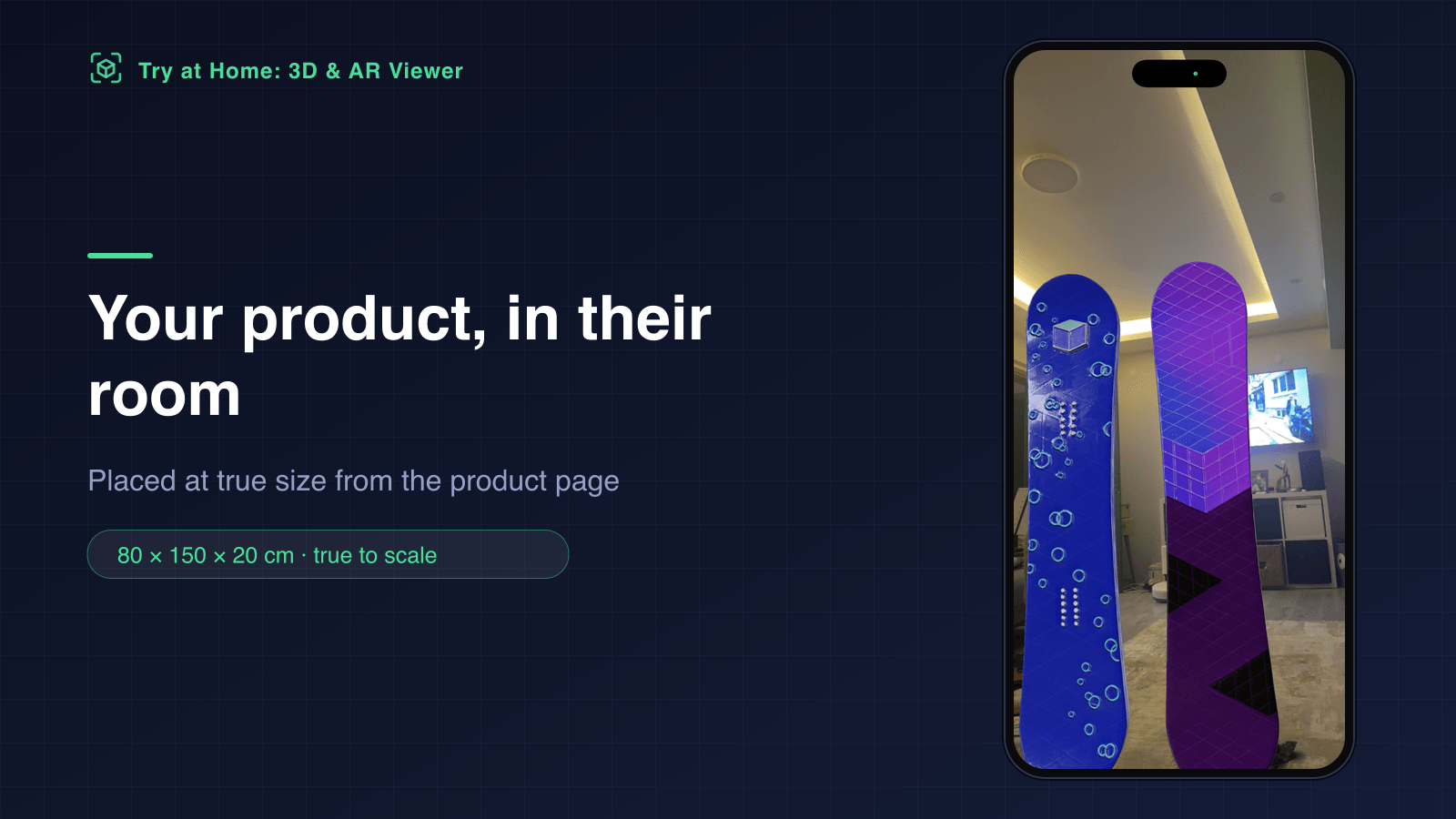
Your product at real size in their room — 3D model from a photo
Try at Home places your product in the shopper's own room at the exact centimetres you enter — and generates the 3D model from a product photo if your catalogue does not have one.
iPhone AR Quick Look · Android Scene Viewer · desktop 3D viewer with QR
How it works
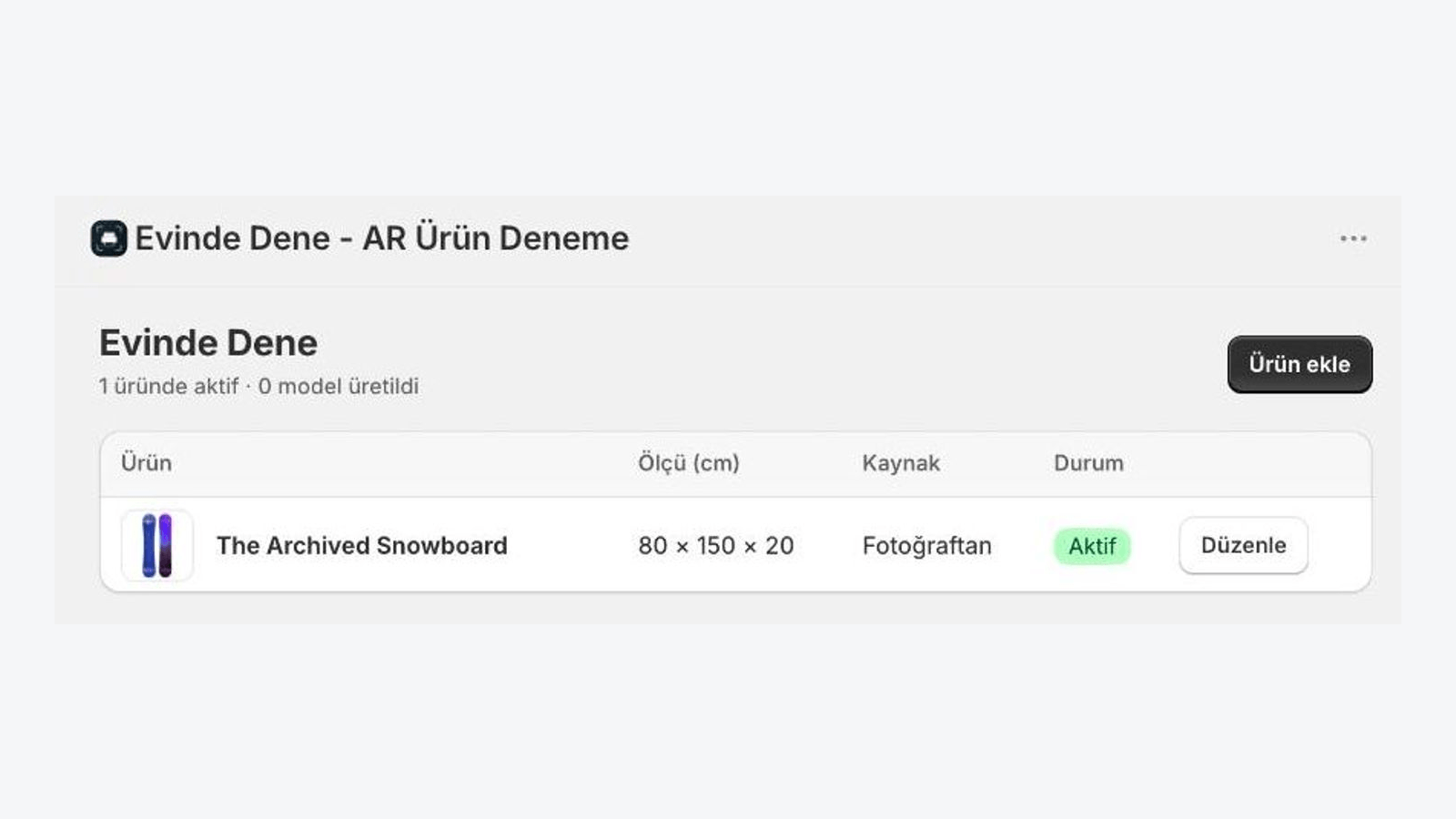
Enter the real dimensions
Width, height and depth in centimetres. Height is the reference and the model keeps its proportions.
Get the 3D model
Generate one from the product photo, upload your own GLB, or pick the free flat mode for art, rugs and posters.
The button goes live
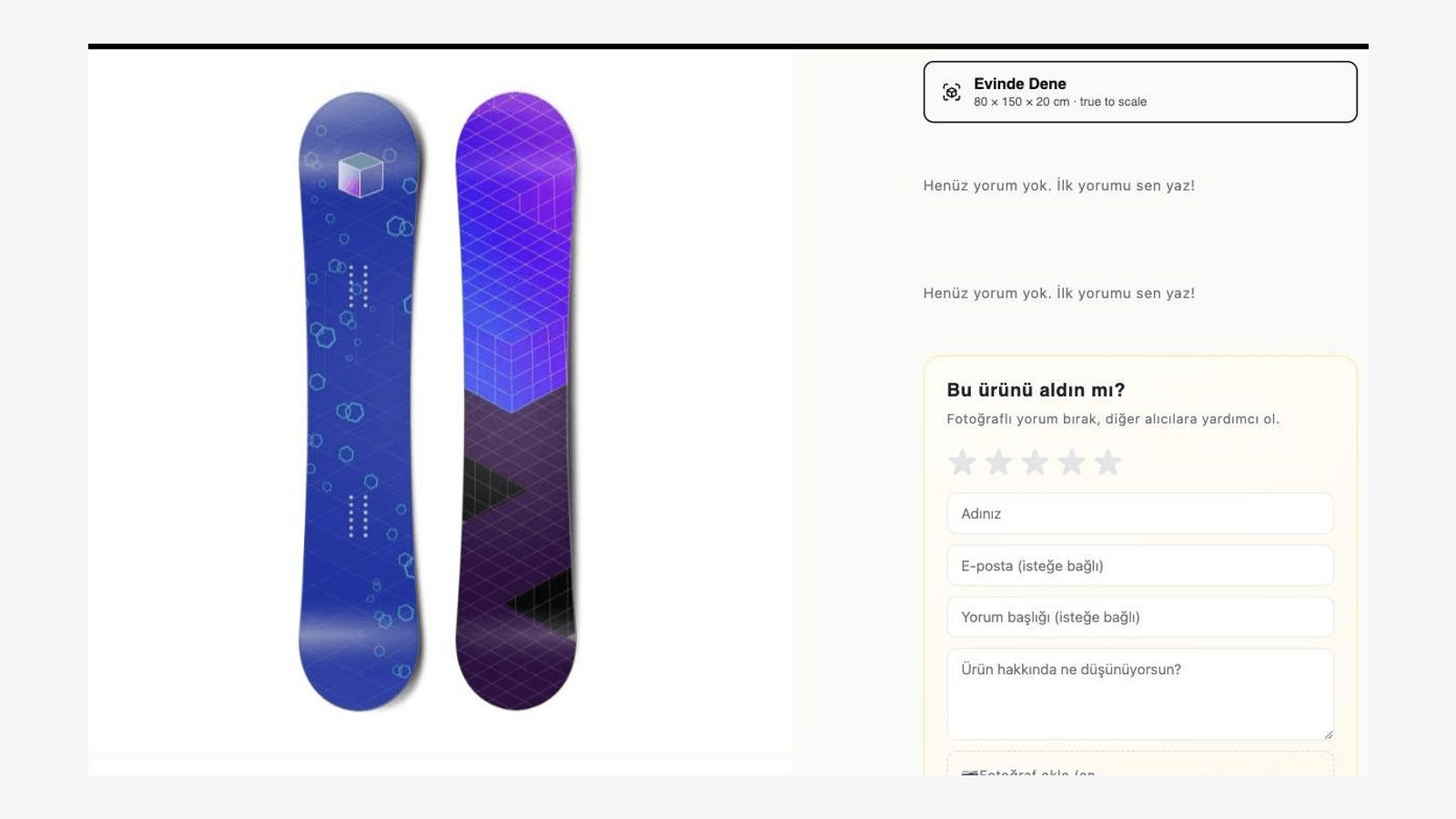
The model is published to Shopify and the button appears on the product page on its own.
Watch it work
What you get
True scale: the centimetres you enter are what the shopper sees in AR
Height is the reference, proportions are kept and the scale is locked, so shoppers cannot resize the product and misjudge whether it fits.
No 3D model? The app builds one from a product photo
Pick a product image and press generate. The model is built, scaled to your measurements and attached to the product in minutes — no 3D skills needed.
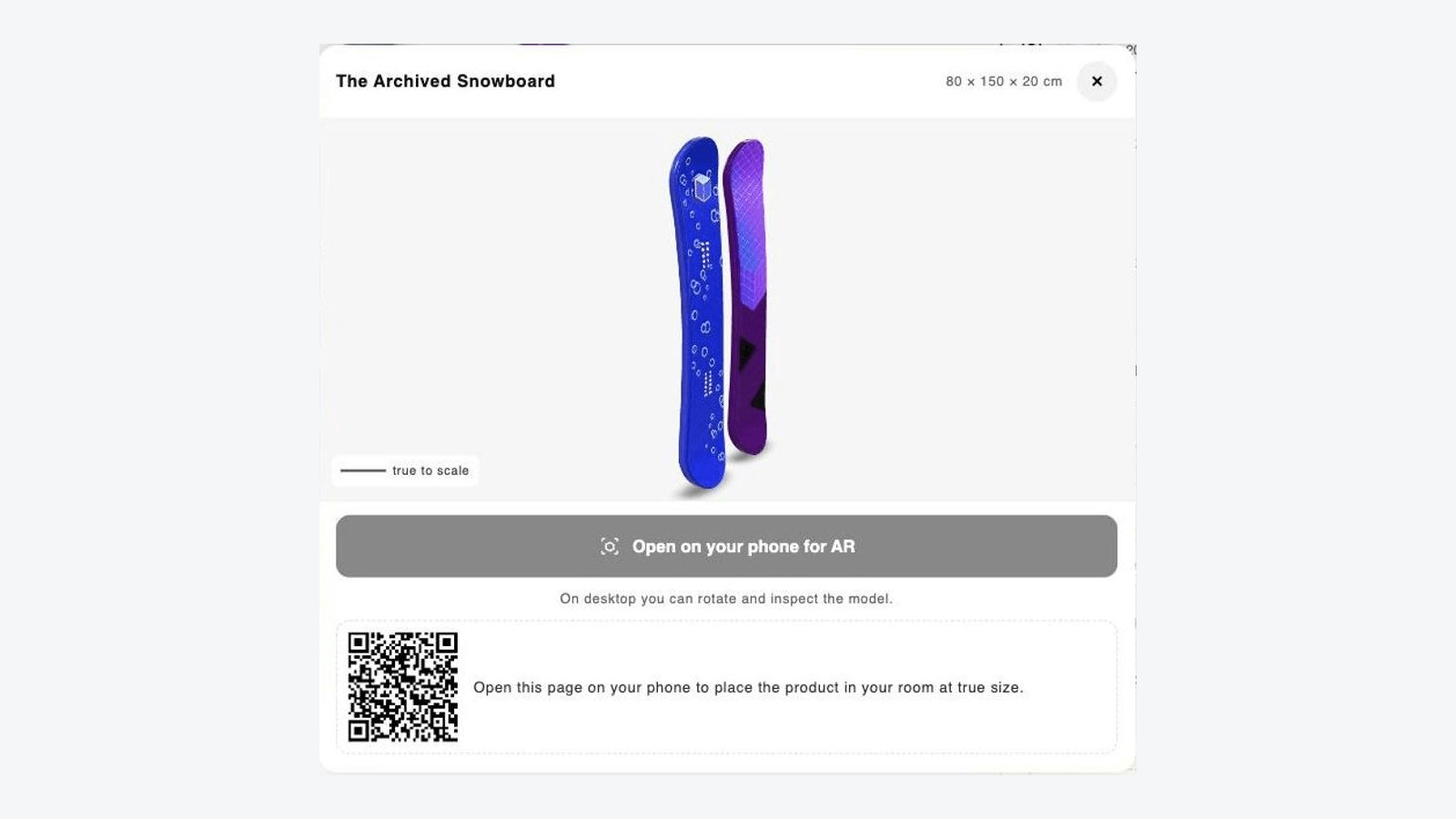
iPhone Quick Look, Android Scene Viewer, desktop 3D viewer with QR
One button covers every device. Desktop visitors rotate the model and scan a QR code to continue in AR on their phone.
Free flat mode for wall art, rugs, posters and mirrors
Flat products are placed on the wall or floor straight from the product image, with no model generation fee.
Theme app extension only: no script tags, no page speed impact
The button renders only on products with a ready model, and the viewer loads on tap, so Core Web Vitals stay untouched.
Frequently asked questions
Do I need a 3D model already?
No. Upload a product photo and the app generates a 3D model from it, scales it to your dimensions and attaches it to the product. If you do have a GLB file, you can upload it instead and the scale is corrected automatically.
How accurate is the size in AR?
glTF measures in metres, so the centimetres you enter are converted directly. Height is the reference, the model is centred and set on the floor, and the scale is locked so shoppers cannot resize the product.
Which devices can shoppers use?
iPhone and iPad open AR Quick Look, Android devices with ARCore open Scene Viewer, and desktop visitors get a 3D viewer plus a QR code that continues the session in AR on their phone.
Will it slow my store down?
No. It ships as a theme app extension with no script tags. The button renders only on products that have a ready model, and the viewer script loads when a shopper taps it.
Which languages are supported?
The storefront button and viewer ship in 33 storefront languages and follow the language your customer is browsing in. The merchant admin is available in English, Turkish, German, Spanish, French and Italian.
Add AR to your product pages
Install the app, enter the dimensions of your first product and let the app generate the 3D model. Every plan starts with a 14-day free trial.
Log in with your store